How to Get More 5-Star Google Reviews Automatically Using Your Venue’s TVs
The most effective way to get more 5-star Google reviews in person is to give customers an immediate, fun reason to scan a QR code on your venue’s TV—such as posting their photo to your live screen—and automatically redirecting them to your direct Google Review link immediately after upload. Moment Page automates this entire two-step funnel on any TV.
Every local business owner knows that Google Business Profile reviews drive local map pack rankings, foot traffic, and buyer trust. Yet getting satisfied customers to actually pull out their phone and write a review is notoriously difficult. Post-visit emails have open rates below 15%, and acrylic “Review Us on Google” counter signs quickly become invisible clutter.
Why do standard review QR codes fail? Because scanning a code just to do a favor for a business feels like homework. To get consistent daily reviews, you need to replace “Do us a favor” with instant visual reward and social participation.
The Psychology Behind the “Photo-First, Review-Second” Funnel
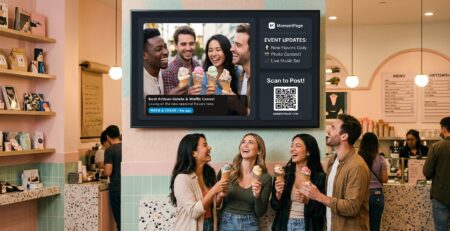
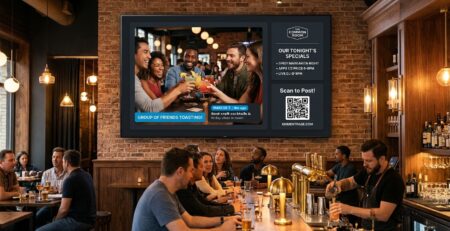
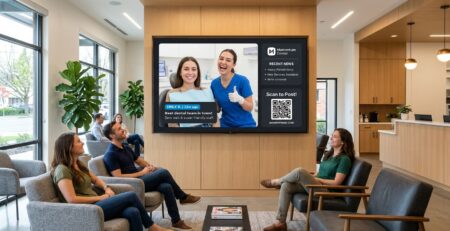
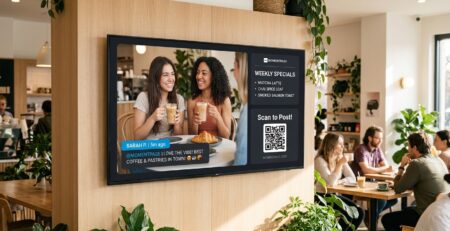
When a customer walks into a restaurant, cafe, or bar, a barbershop, a nail salon, an animal clinic, a car wash, or a family entertainment center and sees smiling guests featured on the big-screen TV, their natural instinct is: “How do I get my picture up there?”
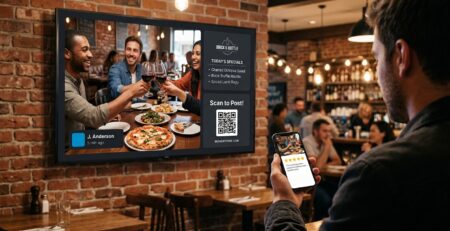
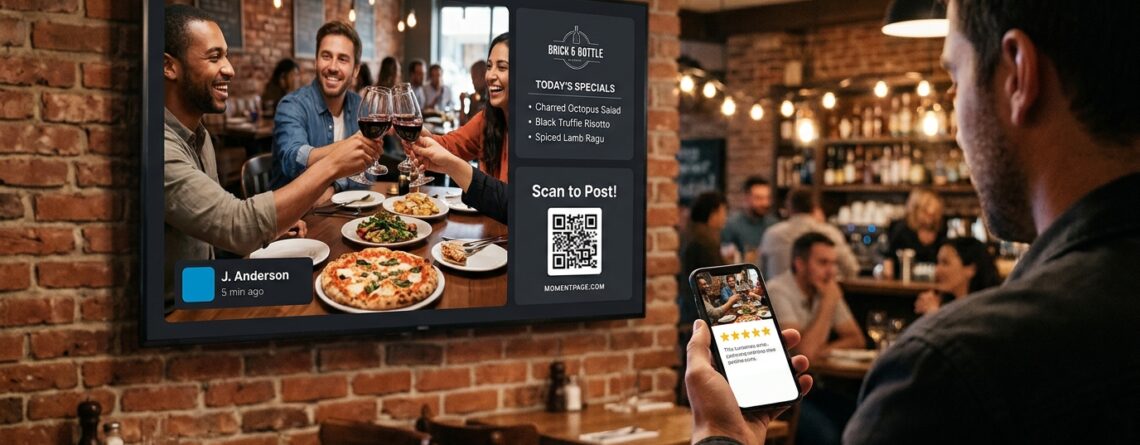
- Step 1 — High-Motivation Scan: The guest scans the prominent “Scan to Post!” QR code on your Moment Page TV display using their smartphone camera (zero app download required).
- Step 2 — Micro-Commitment & Dopamine Hit: They snap or select a photo from their visit and submit it in seconds.
- Step 3 — Peak-Happiness Google Review Prompt: Immediately on the submission confirmation screen—while their phone is already in their hand and they are feeling great about their experience—Moment Page displays a direct button to leave your business a Google Review.
| Review Collection Method | Typical Scan / Click Rate | Customer Motivation | Why Moment Page Wins |
|---|---|---|---|
| Follow-Up Email / SMS | 2% – 5% | Low (customer has already left venue) | Captures guests in-venue at peak excitement |
| Static Counter Tent QR Code | < 1% | Low (feels like a chore with no reward) | Gamified—guests scan to see themselves on TV |
| Staff Asking Verbally at Checkout | Inconsistent | Staff often forget during busy rushes | Runs 100% automatically on your TV 24/7 |
How to Connect Your Google Place ID in Moment Page
Setting up automated review routing inside your Moment Page account takes less than two minutes:
- Look up your business on Google’s official Place ID Finder (or copy your direct Google review shortlink).
- Paste your Place ID into the Configuration section of your Moment Page dashboard.
- Use your right-hand TV announcement card to add a quick callout such as: “Post a photo to our TV & leave a review for a chance to win a $25 gift card!”
Built for All Venues & Every Industry
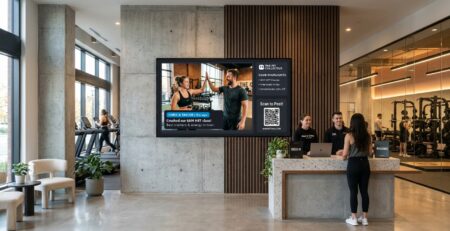
Whether patients are showing off their new frames at an optometry clinic, members are celebrating a personal record at a gym, or families are enjoying cones at an ice cream shop, every photo uploaded builds authentic on-screen social proof while steadily compounding your 5-star Google rating.
Frequently Asked Questions About TV QR Code Reviews
Do customers have to download an app to scan the TV QR code?
No. Customers simply point their standard iPhone or Android camera at the TV screen. The photo upload form and Google Review redirect open instantly in their mobile browser.
Does Moment Page charge per photo or per review collected?
Never. You can collect unlimited customer photos and redirect unlimited visitors to your Google Review page.
Start Growing Your Google Reviews Automatically
Put your idle TV screens to work. Launch your interactive Moment Page display today and turn every happy customer visit into on-screen social proof and a 5-star Google review.
Need your Google Place ID first? Follow our step-by-step Google Place ID setup guide to link your Google Business Profile in under a minute.